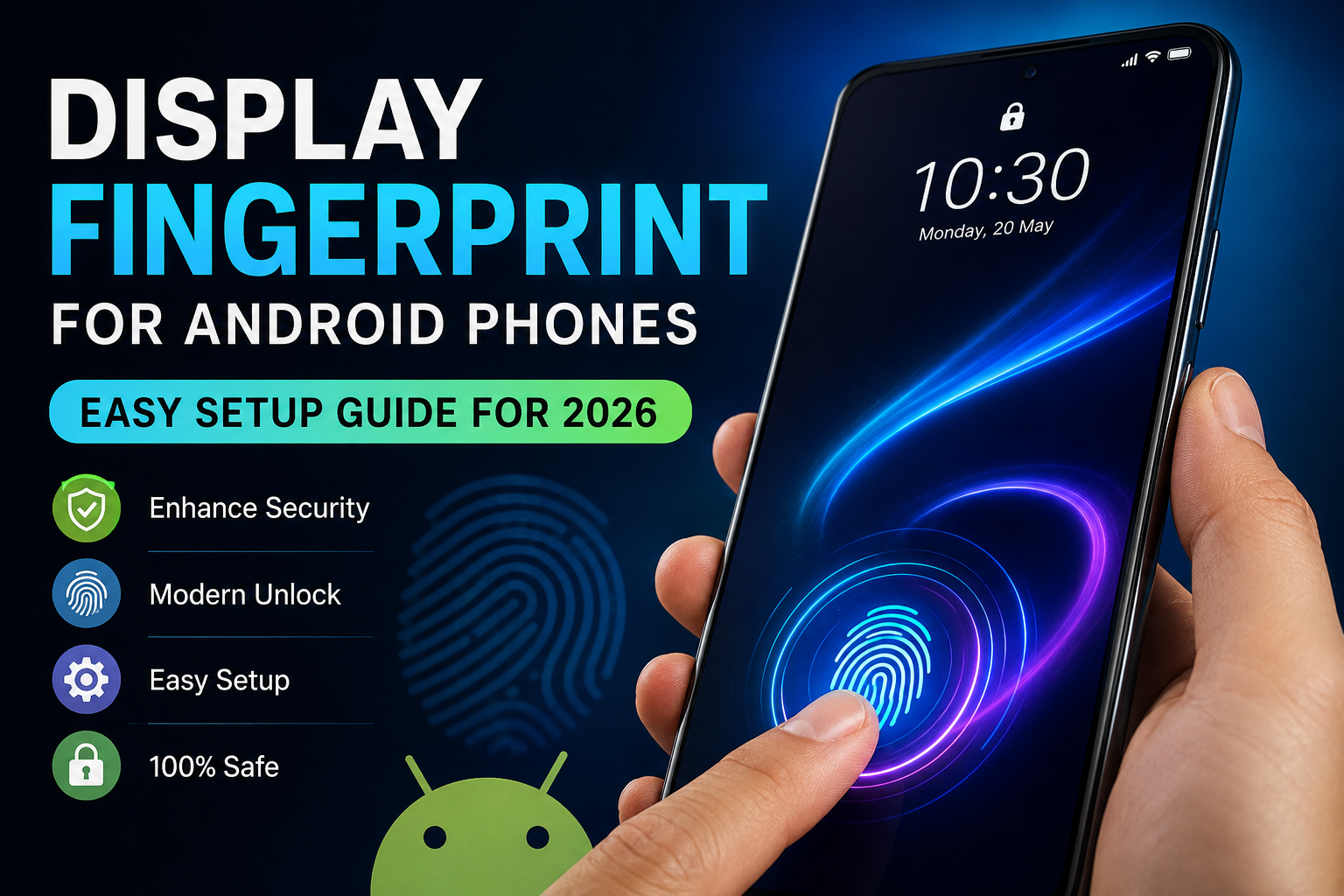
Fingerprint unlocking has become one of the most trusted security features available on Android smartphones. It offers a perfect balance of speed, convenience, and protection, allowing users to unlock their devices within seconds without typing a password or PIN.
In recent years, many Android users have become interested in the stylish fingerprint effects seen on premium smartphones. Devices with modern display fingerprint animations often look more advanced and attractive, leading users to search for ways to achieve a similar experience on their own phones.
This guide explains how display fingerprint technology works, what Android users can realistically customize, and the safest methods to improve the fingerprint experience in 2026 while maintaining device security.
Understanding Display Fingerprint Technology
A display fingerprint sensor is a biometric authentication system that allows users to unlock their smartphone by touching a specific area on the screen.
Unlike traditional fingerprint scanners placed on the rear panel, side frame, or power button, display fingerprint systems are integrated beneath the screen.
This technology creates a cleaner design while maintaining strong security and fast unlocking performance.
Types of Display Fingerprint Sensors
Modern Android smartphones typically use one of the following fingerprint technologies.
Optical Fingerprint Sensors
Optical sensors capture an image of the fingerprint through the display and compare it with the stored biometric data.
These sensors are commonly found in mid-range and premium Android smartphones.
Ultrasonic Fingerprint Sensors
Ultrasonic technology uses sound waves to scan fingerprint details and create a highly accurate three-dimensional fingerprint map.
This method is generally considered more secure and performs better under challenging conditions such as wet fingers.
Can Every Android Phone Use Display Fingerprint Features?
This depends entirely on the hardware installed by the manufacturer.
A genuine in-display fingerprint scanner requires specialized components built into the device’s display assembly. If the smartphone was not originally designed with this hardware, no application, software update, or hidden setting can add a real display fingerprint scanner.
However, Android users can still improve the appearance of their fingerprint unlocking experience through visual customization features and supported system settings.
Requirements Before Customizing Fingerprint Features
Before making any changes, ensure your device meets these basic requirements:
- Android 9, Android 10, Android 11, Android 12, Android 13, Android 14, or newer
- Working fingerprint sensor
- Updated system software
- Sufficient free storage space
- Access to Google Play Store
Meeting these requirements helps ensure smoother performance and better compatibility.
How to Enhance the Fingerprint Experience on Android
Keep Android Updated
Software updates often include security improvements and fingerprint performance enhancements.
To check for updates:
Settings → Software Update → Check for Updates
Installing the latest software can improve fingerprint recognition speed and stability.
Explore Built-In Fingerprint Settings
Many Android manufacturers provide customization options directly within the system settings.
Navigate to:
Settings → Security → Fingerprint Settings
Depending on your smartphone brand, you may find:
- Fingerprint animations
- Unlock screen effects
- Visual touch indicators
- Custom lock screen themes
- Fingerprint icon styles
These built-in features are usually the safest customization options available.
Customize the Lock Screen Experience
Several Android devices include lock screen personalization settings that work alongside fingerprint unlocking.
Available options may include:
- Animated lock screens
- Dynamic wallpapers
- Color themes
- Visual unlocking effects
- Always-on display customization
These enhancements can make the device feel more modern without affecting security.
Install Trusted Customization Applications
Certain apps available through the Google Play Store offer visual fingerprint effects and lock screen enhancements.
These applications may provide:
- Fingerprint-themed animations
- Unlocking visual effects
- Interactive lock screen designs
- Personalized animation styles
- Fingerprint touch indicators
It is important to understand that these applications only improve visual appearance. They do not add new fingerprint hardware or replace the device’s built-in biometric system.
Security Tips Before Installing Any Fingerprint App
Whenever you install a customization application, follow these safety recommendations:
Download Only from Trusted Sources
Use reputable platforms such as the Google Play Store whenever possible.
Review User Feedback
Check ratings, reviews, and download history before installing any app.
Examine Requested Permissions
A fingerprint animation application should not require unnecessary access to:
- Contacts
- SMS messages
- Call history
- Personal documents
- Sensitive account information
If an application requests excessive permissions, consider avoiding it.
Read the Privacy Policy
Review how the developer handles user information and device data.
Advantages of Fingerprint Display Effects
Many Android users enjoy fingerprint-themed customization because it offers several practical benefits.
Premium Look and Feel
Modern animations can make a smartphone appear more advanced and visually appealing.
Improved User Interaction
Visual feedback often creates a smoother and more engaging unlocking experience.
Personalization Options
Users can choose styles, colors, and effects that match their preferences.
Easy Configuration
Most customization features can be enabled within minutes without technical knowledge.
No Hardware Modification Needed
Visual enhancements typically work using existing Android features and do not require physical changes to the device.
Common Misconceptions About Display Fingerprint Features
Myth 1: Any App Can Add a Real Display Fingerprint Sensor
False.
Display fingerprint technology requires dedicated hardware installed by the manufacturer.
Myth 2: Secret Android Codes Can Enable Missing Fingerprint Hardware
False.
Software settings cannot create hardware components that do not physically exist inside the device.
Myth 3: Rooting Installs Real Display Fingerprint Technology
False.
Root access may modify software behavior, but it cannot add fingerprint scanning hardware to the screen.
Mistakes Android Users Should Avoid
When customizing fingerprint features, avoid the following:
- Downloading APK files from unknown websites
- Installing modified applications from untrusted sources
- Granting unnecessary permissions
- Disabling Android security protections
- Rooting solely for cosmetic fingerprint effects
- Trusting unrealistic claims about adding hardware features
These actions may compromise privacy, security, and device performance.
Why Fingerprint Authentication Remains Important in 2026
Fingerprint technology continues to be one of the most popular biometric security methods because it provides:
- Fast device access
- Enhanced account protection
- Better convenience than passwords
- Strong biometric authentication
- Support for secure app logins
- Mobile payment verification
- Improved overall user experience
As smartphone security continues to evolve, fingerprint authentication remains a practical and trusted solution for millions of Android users worldwide.
Best Practices for Better Fingerprint Performance
For optimal results:
- Register fingerprints carefully during setup
- Keep the fingerprint sensor clean
- Update Android regularly
- Re-register fingerprints if recognition becomes inconsistent
- Avoid using low-quality screen protectors on supported display fingerprint devices
- Use multiple fingerprint registrations for improved accuracy
Following these recommendations can improve both speed and reliability.
Frequently Asked Questions
Can I Enable a Real Display Fingerprint Sensor Through Software?
No. Real display fingerprint functionality requires specialized hardware integrated into the smartphone’s display.
Are Fingerprint Animation Apps Safe to Use?
Generally yes, as long as they come from trusted developers and request only necessary permissions.
Do Fingerprint Effects Impact Device Performance?
Most modern customization apps are lightweight and have little to no noticeable effect on performance.
Is Root Access Necessary for Fingerprint Customizations?
No. Most fingerprint animations and lock screen effects work without rooting the device.
Do All Android Phones Support Fingerprint Effects?
Compatibility varies depending on the Android version, device manufacturer, and available fingerprint hardware.